If you have an OLED TV, congratulations! This TV will afford a fabulous cinematic experience at home, with deep blacks, vibrant colors, and fantastic wide-angle viewing. Chances are you invested quite a bit into the TV since OLED TVs are among the most expensive you can buy. So, you’ll want to ensure that you protect that investment. But there are a few things you might be doing right now that are already shortening its life.
Like any technology product, OLED TVs require proper care and use. With small changes to your habits and settings, you can prolong the TV’s lifespan and enjoy it for many years to come. The typical lifespan for an OLED TV, based on average use, is anywhere from 10 to 20 years. You can stretch that to the max, even longer, by making sure you follow a few notes.

My OLED TV looked washed out until I found this one picture setting
Dynamic Tone Mapping is the display feature you might not know you needed.
Leaving it on when you’re not watching
Turn it off
It’s tempting to keep the TV on for hours, even when you’re not watching it. This might be to listen to the news while you’re cooking or doing chores, or maybe you fell asleep on the couch and accidentally left it on all night. TV lifespan is often measured in hours, so the years noted above are based on an average number of viewing hours per year. If you leave the TV going for significantly longer, its lifespan will be impacted.
Instead, consider putting on music if you just want background entertainment. If you’re streaming a show that you’re only listening to with the speakers cranked high while you multitask, use a Bluetooth speaker or access the content (if possible) on your laptop, phone, or tablet. Stream the audio to the TV soundbar instead and listen that way so the display isn’t on unnecessarily.
Keeping it on channels with logos
Burn-in is still an issue
While the latest OLED TVs contain technology designed to help reduce the risk of burn-in, they still remain the most common TV type to suffer from this issue. Burn-in is when an area of the TV retains a static image that has been there for some time, such that you can see it faintly and permanently in the background, even when you change channels. It can happen with a static logo for a news channel, a YouTube streamer you watch that has a logo permanently in the corner of their videos, or a video game with a static menu on the side. It’s also possible if you pause a screen and leave it there for a length of time. Thankfully, most TVs have slideshows that kick in after a certain number of minutes of non-use to ensure this doesn’t cause burn-in.
To prevent burn-in, turn on features like pixel shifting, which ever-so-slightly shifts the pixels intermittently. It’s enough to help prevent burn-in but not enough for you to notice it’s even happening. There’s also a pixel refresher feature you can manually run with new TVs, though you should steer clear of doing so any more than once a year and only if you deem it necessary. If you see evidence of image retention, which is when a static image starts to remain on screen but eventually does dissipate, be mindful of limiting how much you watch that channel or play that game to prevent this from becoming burn-in. Or at least don’t keep it on for hours and hours at a time. Burn-in is less likely than ever to happen with the latest generation of TVs, but it’s still possible. And while your TV will still work with a burned-in image, it won’t be as pleasurable to watch since the faint image can be distracting.
Cranking up brightness
Just close the curtains

Most TVs sold through retail come with a cranked-up brightness mode, referred to in the industry as “torch mode.” It’s like this, so when they are displayed in stores, they look as bright and beautiful as possible in the setting that includes harsh retail lighting. Once you get home and set up the TV there, it’s important to adjust settings to your liking and room conditions, including turning down brightness. The higher the brightness of the TV, the shorter it’s lifespan will be.
If you watch a lot of daytime TV in a brightly lit room, try to close the curtains and turn off the lights to prevent you from having to turn the brightness up too high. Ideally, opt for another TV type for daytime viewing in bright rooms, like a miniLED or Micro RGB TV. It’s also wise to consider a glare-free TV, OLED or otherwise. If you have an OLED, just be mindful about brightness to help prolong its life.
Turning up the heat
Keep the house cool

In winter, you might crank up the heat to keep warm inside. In summer, you might not have central air conditioning or try to run it minimally to save money and energy, relying on a cross-breeze from windows instead. But hot temperatures and high humidity can impact the life and performance of an OLED TV. Keep the room cool where the TV resides, ensuring the temperature of the house is favorable. This will also help prevent damage to furniture and the development of mold, both of which high humidity can cause.
Consider investing in a dehumidifier and/or air purifier that can report on humidity levels in the room as well as help balance them. A home should not exceed 50% humidity; if it clocks in at over 60%, this could be an issue not only for your OLED TV but also for mold growth and dust mites.
Protect your investment
Enjoy it for a lifetime
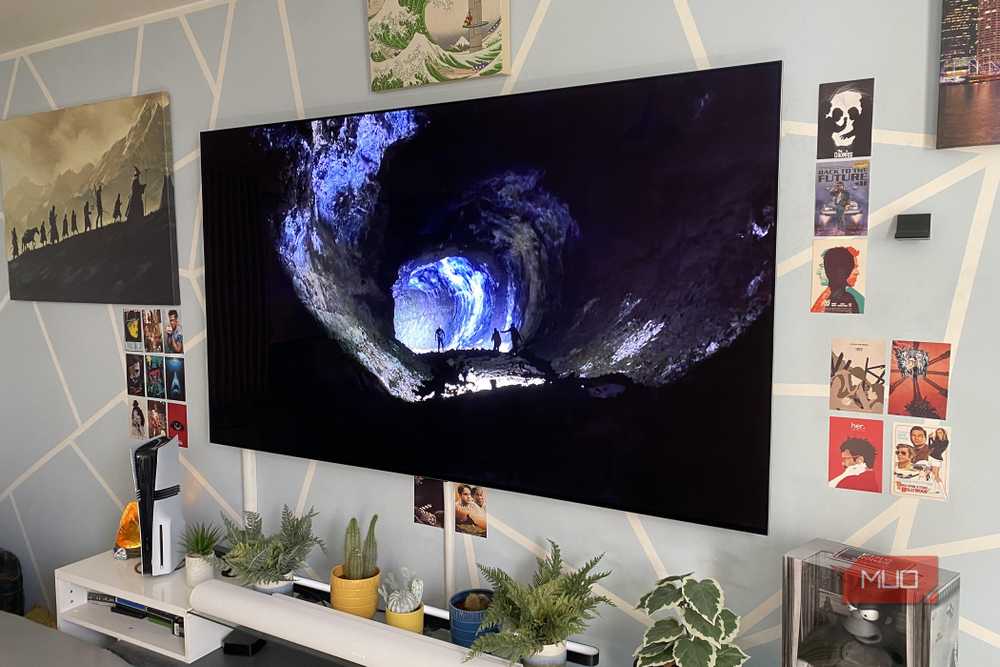
With proper care of your TV and making sure you don’t do things like leave the TV on without watching, leaving on channels with watermarked logos, unnecessarily cranking up brightness, and keeping the home too humid, your OLED could potentially last a lifetime. Even when you decide to upgrade, you’ll still be able to move it to another room and continue enjoying it for years to come. We just upgraded to a Sony Bravia miniLED TV in the living room and my 14-year-old son is enjoying our smaller LG OLED, which we’ve had for many years, in his basement playroom. It’s still going strong.
