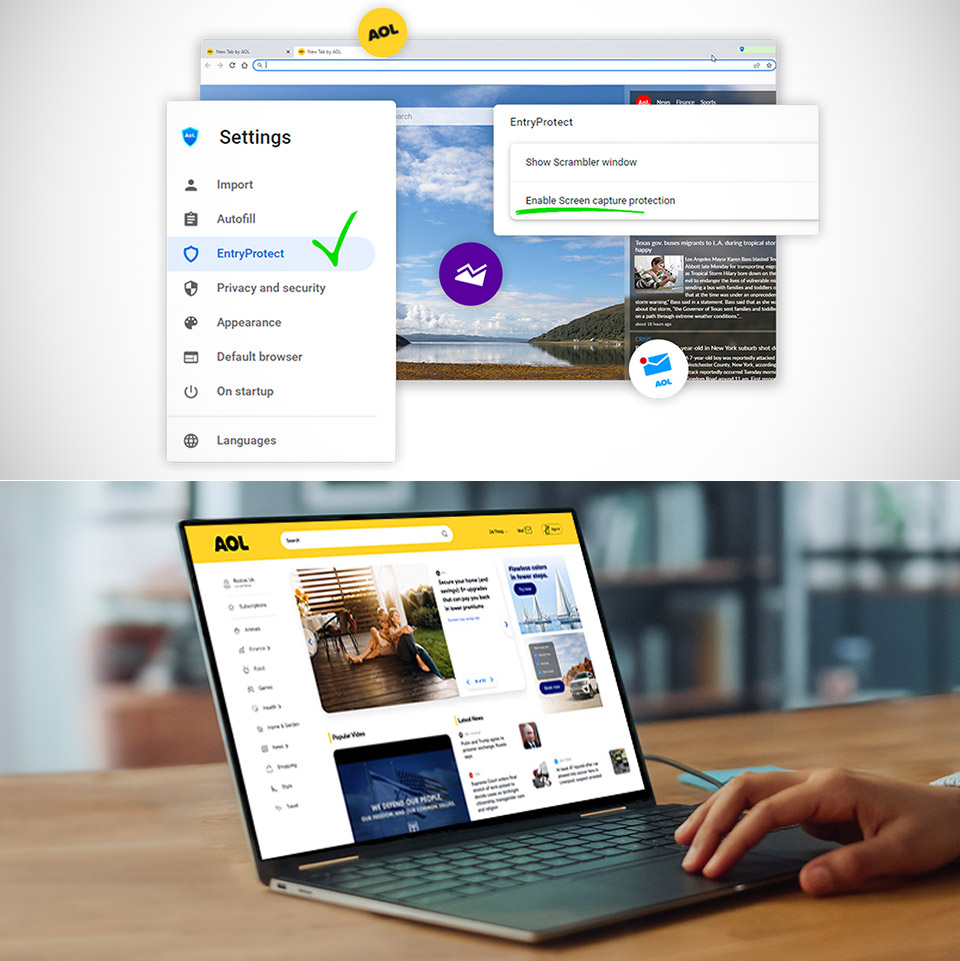
In an era where web browsers are as common as morning coffee—free, accessible and tailored to every taste—AOL has decided to stir the pot with something unexpected: a paid browser called AOL Shield Pro. $3.99 a month with a 30 day free trial, this Chromium based browser promises to add extra security features to shield you from the darker corners of the internet. But in a world where free giants like Chrome, Firefox and Edge reign supreme, does AOL’s nostalgic comeback deliver enough to justify the subscription fee?
AOL, whose name conjures up memories of dial-up modems and “You’ve Got Mail,” has built Shield Pro on the well-known Chromium technology, which runs Google Chrome and many other browsers. As a result, you get a browser that looks and feels similar to Chrome, complete with the same UI, tab management, and extension compatibility. However, AOL includes a suite of security features to defend against ransomware, keylogging, and phishing scams. These are branded as Cryptosafe, anti-keylogging, and PhishLock, and are intended to provide peace of mind for everyday online activities such as banking, shopping, and social media. Is there a catch? Most of these features require a $3.99 monthly subscription to access, however the browser can be downloaded and used for free without them.
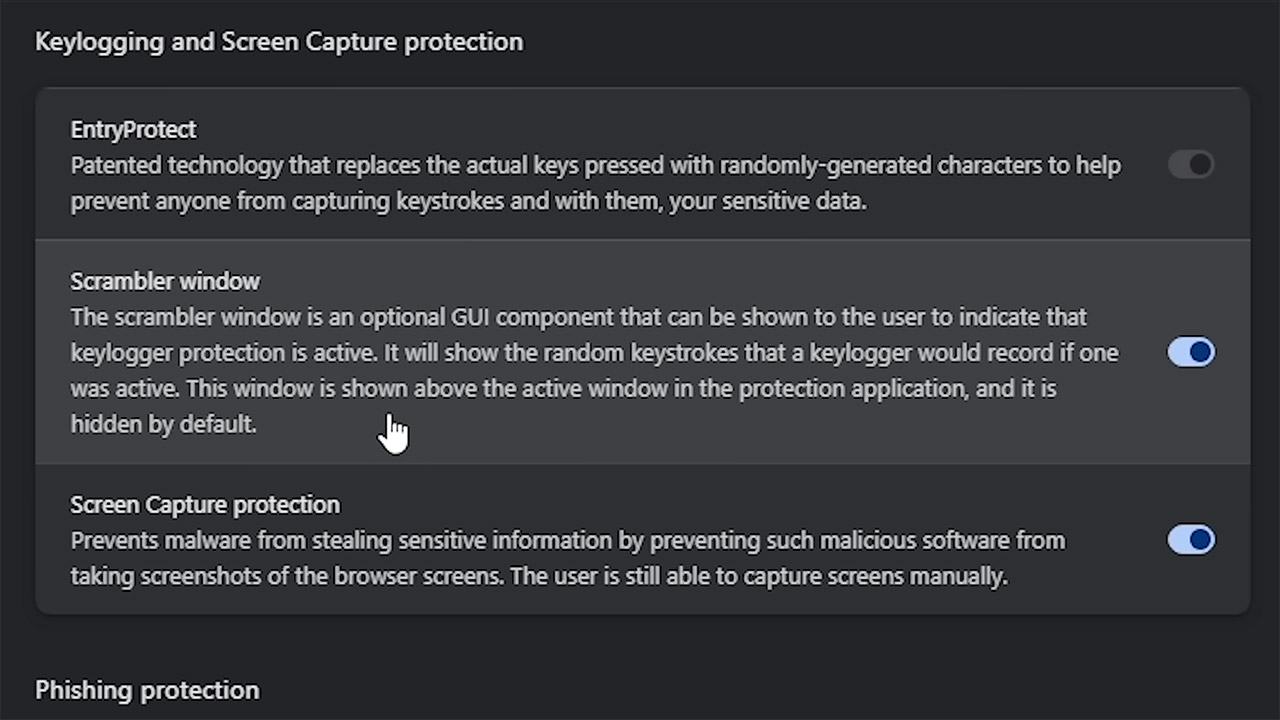
AOL Shield Pro’s main selling feature is its security. Cryptosafe, the ransomware protection software, claims to detect and block rogue encryption attempts before they lock up your files. The anti-keylogging feature uses real-time scrambling technology to conceal keystrokes, preventing hackers from capturing sensitive information such as passwords and credit card data. PhishLock warns you when you visit a scam or phishing site and redirects you to a warning page. AOL also maintains a blocklist of known phishing sites, which is frequently updated to keep dangers at bay. A screen grab protection function stops malware from taking a screenshot of your monitor, ensuring that no personal data is captured while it is displayed. These sound like good things, but the question is if you can obtain them elsewhere for free.
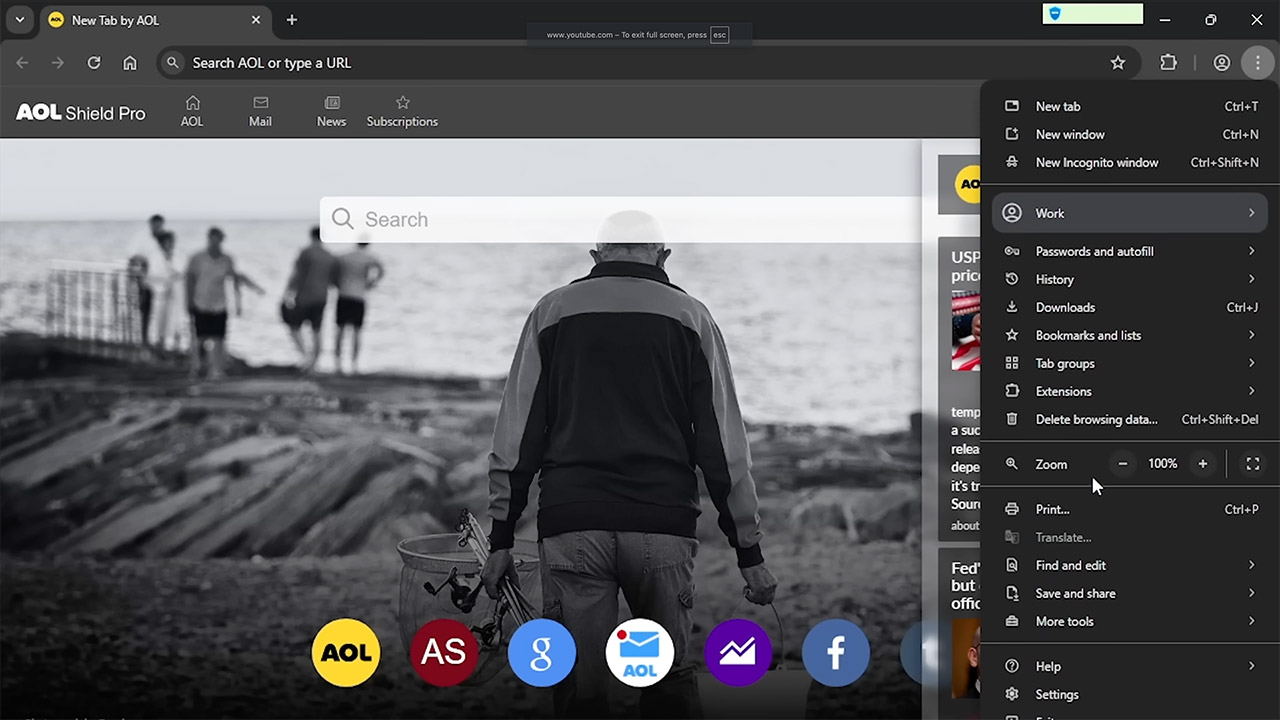
If you look closely, you’ll notice that many of these features aren’t as unique as AOL claims. Modern browsers, such as Chrome, already provide safe browsing tools that warn you about harmful downloads and fraudulent websites. By default, Windows includes Defender antivirus, which protects against keylogging and screen capture. Even the phishing defense, branded as AOL’s PhishLock, is identical to Chrome’s and uses a database of known threats—AOL simply has a separate one from Google’s. The end result is a browser that feels like a lightly customized Chrome with a few extra security features, but not enough to differentiate itself in a crowded sector. The constant AOL toolbar that appears on every tab and website provides shortcuts to AOL services such as mail and news, but it seems obtrusive because it cannot be turned off.
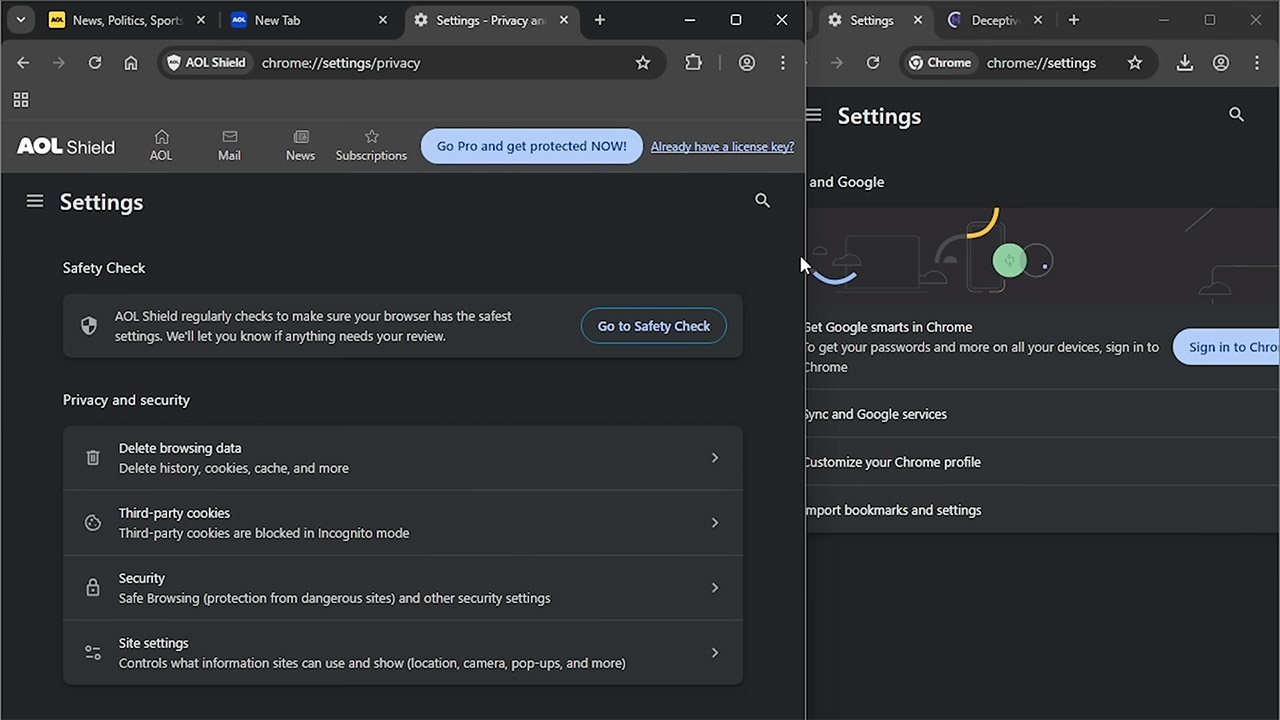
Navigating through the browser’s settings and UI exposes both familiarity and annoyance. Upon installation, AOL Shield Pro makes AOL.com the default homepage and new tab page, complete with a search box and links to AOL Mail, Yahoo Finance, as well as other AOL sites. This is rigid—you can’t change your homepage without going into settings, and even then, the AOL-branded new tab page remains. The options menu is nearly identical to Chrome’s, with one exception: an AOL Security tab in which you may enter your license key to unlock premium features. Weirdly, there is no option to connect into an AOL account to sync the subscription; instead, you must manually paste the key, which is a laborious and outdated approach. The toolbar also makes it difficult to shrink the browser window, limiting how small it may be.
The most curious thing about AOL Shield Pro is its connection to Netscape, another AOL owned relic that has resurfaced as a free Chromium based browser. Developed by the same company Century Bay, Netscape is almost identical to Shield Pro down to the setup wizard and default AOL homepage. But Netscape lacks the paid security features and the toolbar so it’s a cleaner but even less distinctive Chrome clone. This raises questions about AOL’s strategy—why release two almost identical browsers, one free and one paid, under different nostalgic brands? It suggests a reliance on name recognition to attract less tech savvy users who might associate AOL or Netscape with trust and familiarity.
