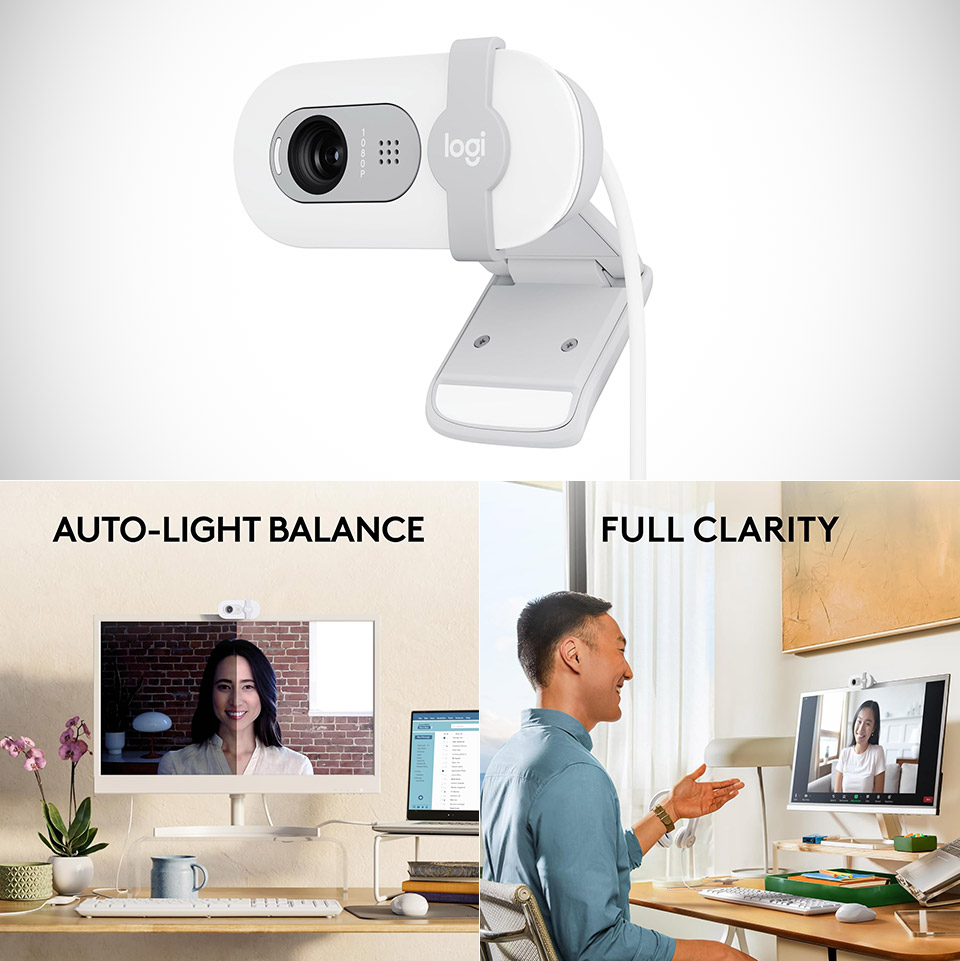
Daily video interactions have one essential requirement: good picture and sound. To be honest, most of us settle for our laptop cameras, which leave a lot to be desired in real-life circumstances. The Logitech Brio 100, priced at $25 (was $40), immediately raises the bar with its full 1080p resolution. Whether it’s a fast team meeting from a few feet away or some casual online gaming from the comfort of your workstation, faces appear natural, crisp, and all that.
Lighting may be a real challenge with video calls in home offices or streaming setups, but fortunately, the auto correction system keep your subjects looking illuminated without you having to mess with settings. The best part is that all of this happens whether you’re dealing with blinding afternoon daylight or just a gentle nighttime lamp.
In terms of sound, the built-in microphone handles spoken words expertly, without distorting them in common interior environments. On platforms such as Zoom or Microsoft Teams, conversations flow smoothly, and the loudness is sufficient to communicate across a regular room. Streamers who add a few basic overlays or chat overlays will be pleased to discover that the audio is fairly solid for entry-level broadcasts when crystal clear studio sound isn’t as vital as consistent reliability.
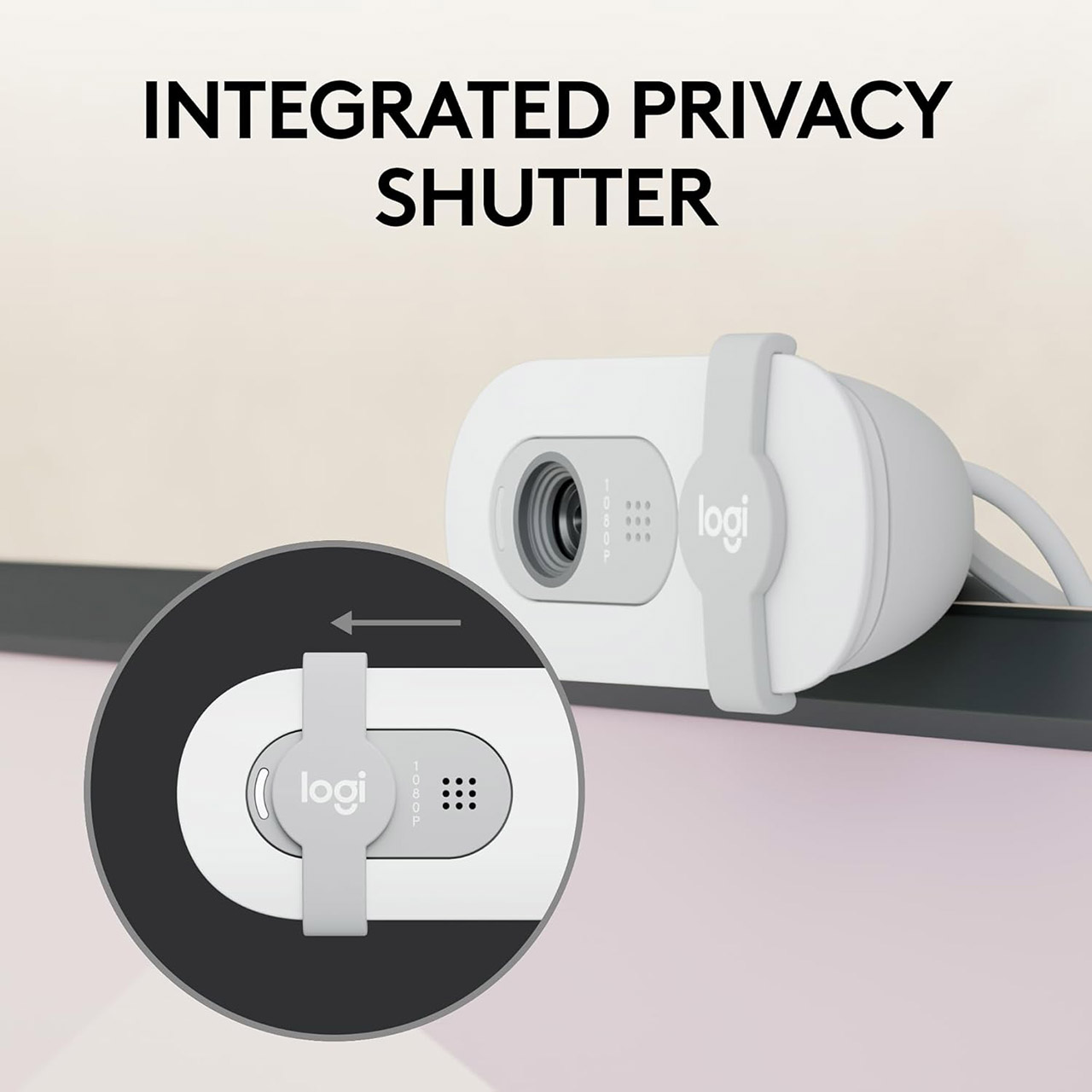
One common concern is privacy, particularly in shared flats or busy households, and the sliding cover on the lens addresses this with a pleasing click. With one simple motion, your view is fully hidden, providing you with some peace of mind before stepping away or having a sensitive talk. The cover stays in place while you use it, and there are no additional apps or processes to activate.
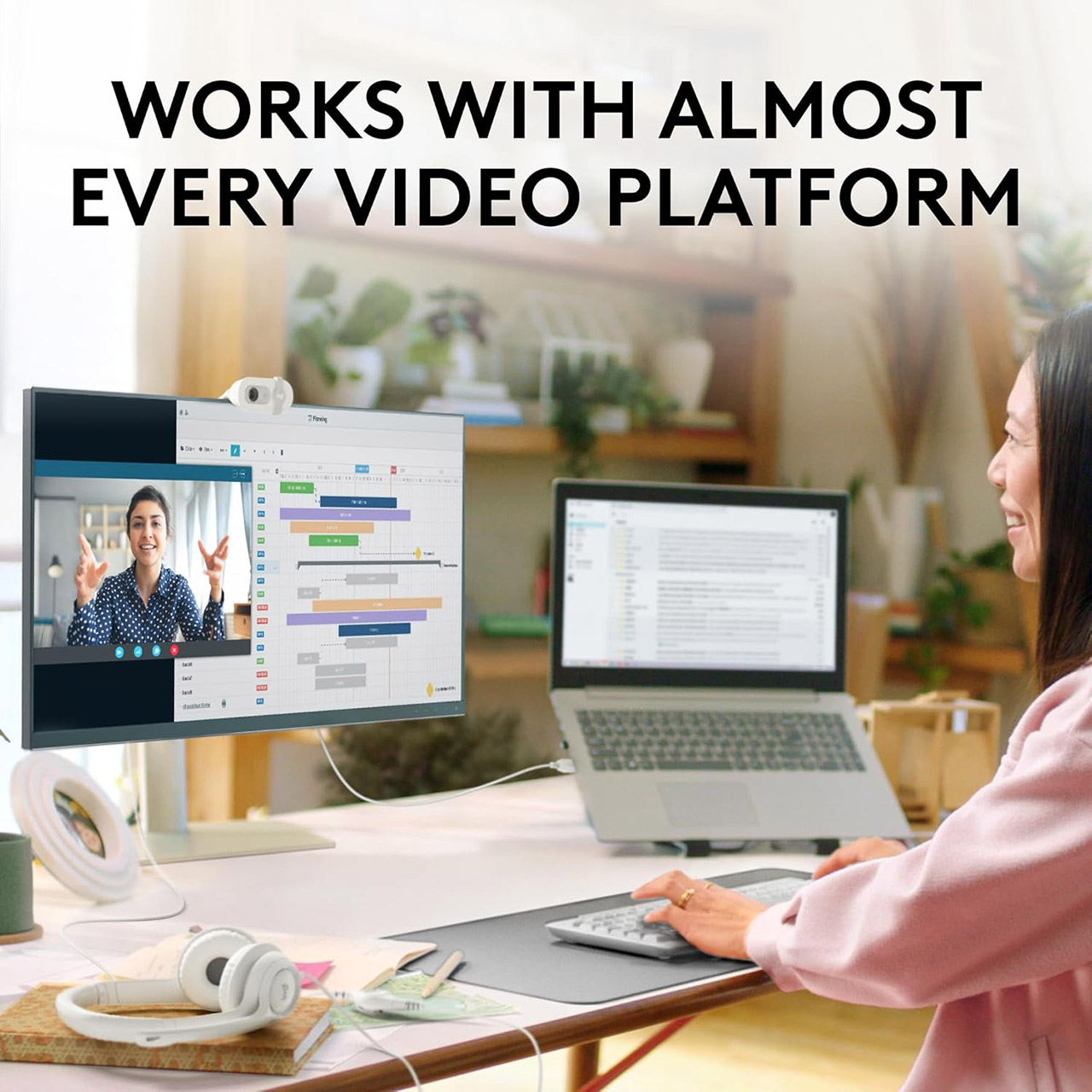
Attaching the camera takes only 2 seconds thanks to its handy clip, which is intended to suit most monitors or sit flat on a surface for more flexible perspectives. The design remains stable even on thinner laptop edges, and the fixed wire is long enough to extend across a regular desk without becoming tangled. Setting it up is as simple as plugging it in via USB and it’s ready to use on Windows, Mac, or Chrome.
One of the advantages of this camera is its wide compatibility, which means it’s ideal not only for business meetings but also for brief Nintendo Switch sessions or hobby streaming. If you need to modify things a little, there is some free software available to fine tune contrast or sharpness, but most people skip that step and enjoy solid results right away.
