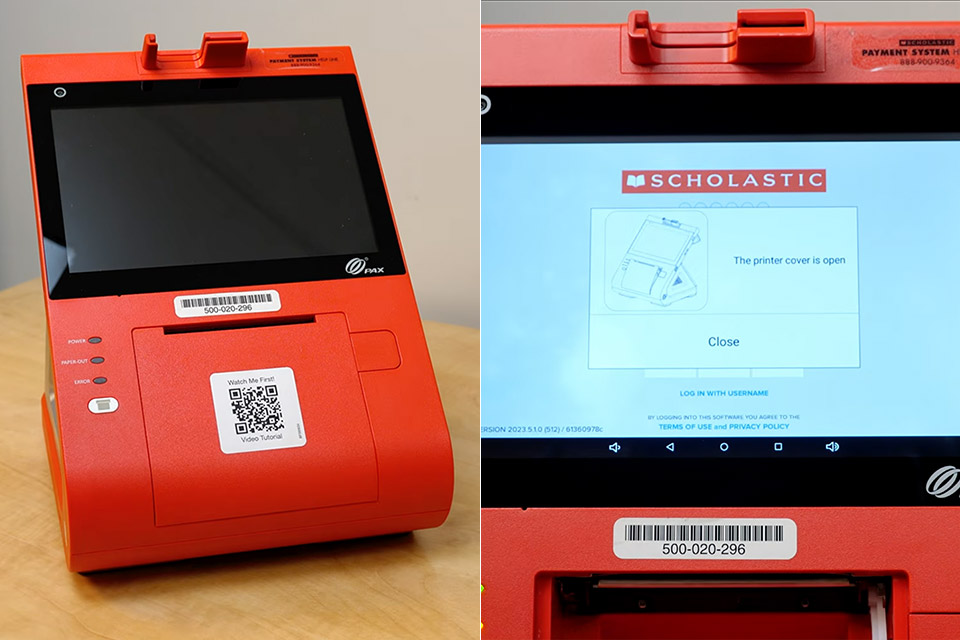
A Scholastic Book Fair cash register appears for sale on eBay, and Michael MJD simply wants to get his hands on it for a closer look. It turns out to be a PAX E500 POS terminal that Scholastic had customized for their traveling sales events. These devices would process orders for books, posters, pencils, and anything else was piled up in those brief, generally chaotic classroom installations.
The front is a large touchscreen that launches Scholastic’s proprietary point-of-sale software. This is directly next to a magnetic stripe and chip card reader, so you can use your credit card. Along the bottom, there’s a thermal receipt printer waiting to be fed paper, as well as its own button to release new rolls. Moving to the back, we have a set of practical connections: a cash drawer port and an obsolete barcode scanner, power, dual Ethernet ports labeled LAN A and another, as well as an HDMI output and audio connector attached to a little extension board secured in place by a single tiny screw. A small camera looks ahead and is primarily used to scan QR codes associated with Scholastic’s e-wallet system. An internal battery is built in to keep the gadget running for a few minutes if the power goes out; however, it only showed 7% when it was still plugged in.
Sale

Apple iPad 11-inch: A16 chip, 11-inch Model, Liquid Retina Display, 128GB, Wi-Fi 6, 12MP Front/12MP Back…
- WHY IPAD — The 11-inch iPad is now more capable than ever with the superfast A16 chip, a stunning Liquid Retina display, advanced cameras, fast…
- PERFORMANCE AND STORAGE — The superfast A16 chip delivers a boost in performance for your favorite activities. And with all-day battery life, iPad…
- 11-INCH LIQUID RETINA DISPLAY — The gorgeous Liquid Retina display is an amazing way to watch movies or draw your next masterpiece.* True Tone…
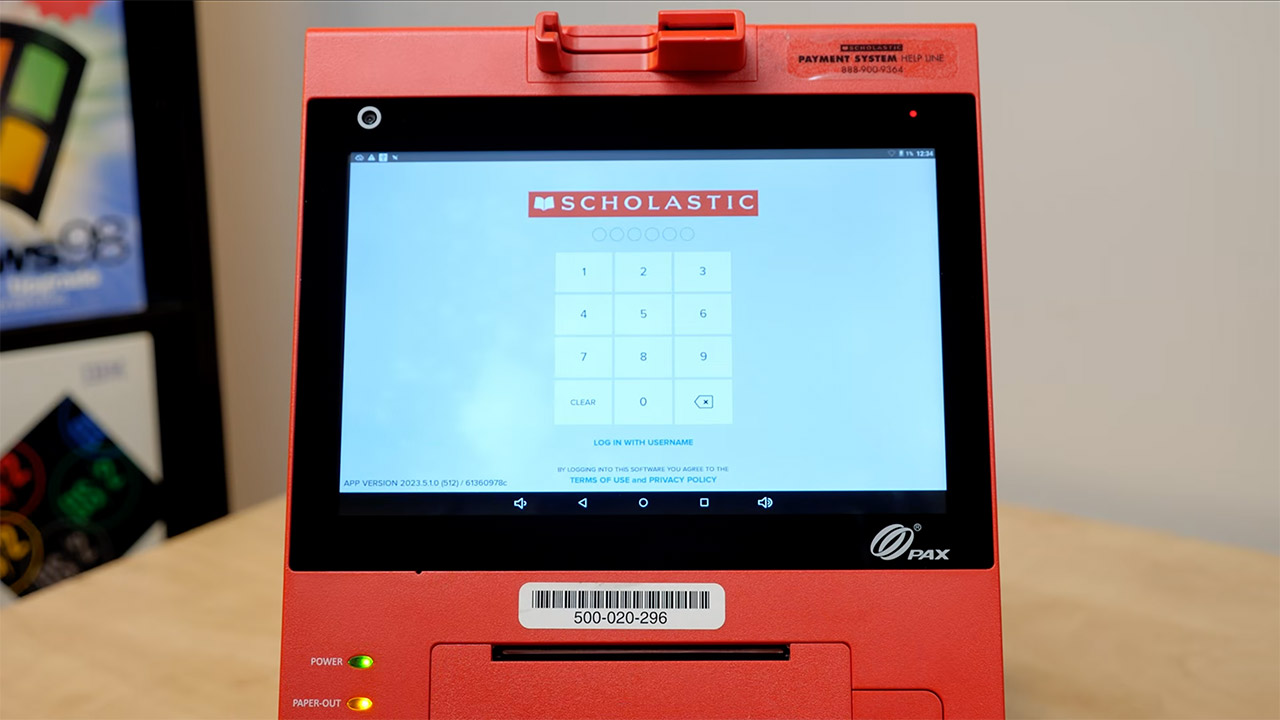
When you turn it on, the screen lights up with a digital voice informing you that additional paper is required or that the printer cover is open, just the standard safety checks. The software then prompts you for a PIN, which by default is 9999, as well as your login credentials. The following screen displays a summary of all the facts from the last time it was used, including the fair chairperson’s name and tax settings. The fact that it may be used offline is deliberate; Scholastic fairs are frequently held in locations such as gyms or libraries that do not always have dependable internet access, so it retains all transactions locally until it can reconnect. You also have a training mode that allows you to practice without any actual money moving hands, which is definitely a smart idea. MJD adds a variety of goods to a mock order, including erasers, hand pointers, deep ink stickers, a plethora of pencils and pens, and even gift cards.
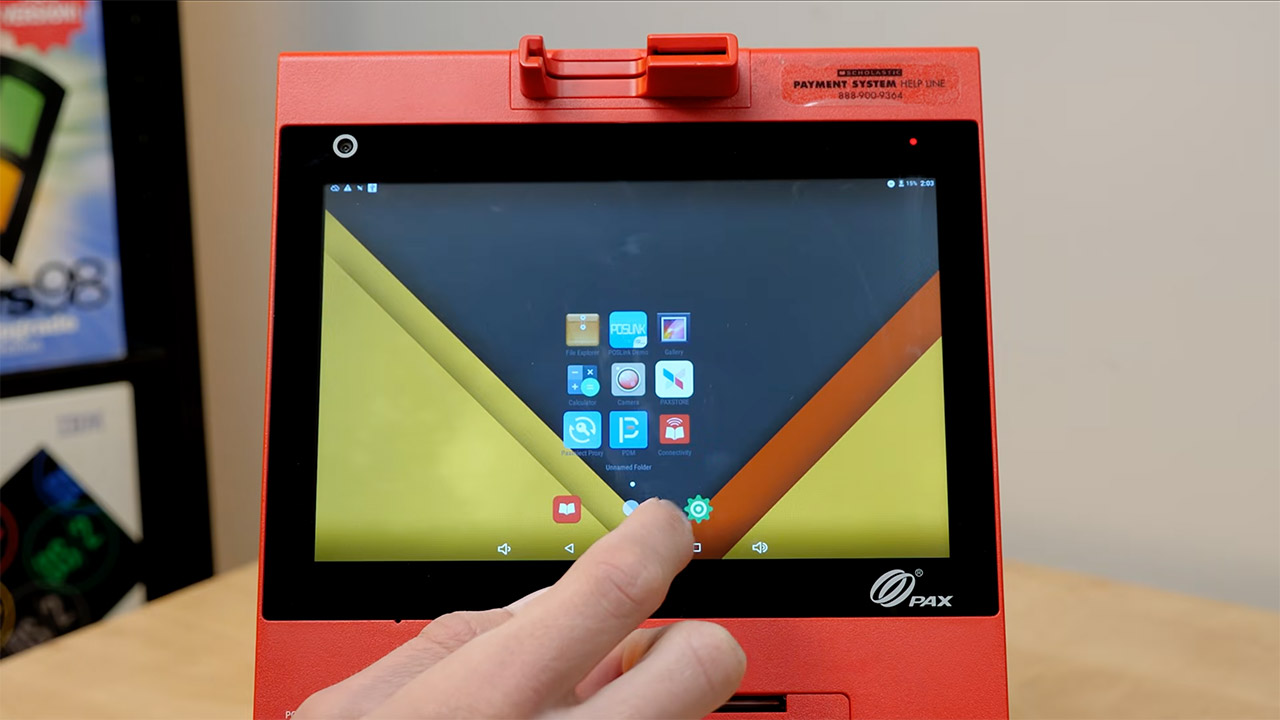
Android 6.0.1 (Marshmallow) is installed on the machine, but it has been heavily modified to create a version dubbed PDroid that is specifically tailored for secure payment systems. But you won’t find the Google Play store anywhere, and if you try to enable unknown sources or developer mode, you’ll receive a notice telling you can’t; this is all due to some extremely strong security regulations in place. Any attempts to sideload programs are immediately shut down by the system simply because you cannot change the security settings to make them operate. Other pre-installed apps on the system include a payment device manager, which was last updated in March 2022, and a little tool called a connectivity suite, which will assist you in getting your data uploaded after you’re finished. Unplugging your TV and using an HDMI cord to mirror your screen to an external display works great, but the printer itself will not work during any simulated checkout process. That’s presumably because when you try to print receipts, it starts taking a lot of power, putting the machine into battery saver mode, and even when you’re plugged in, the status bars turn orange and the printer just stops operating.
