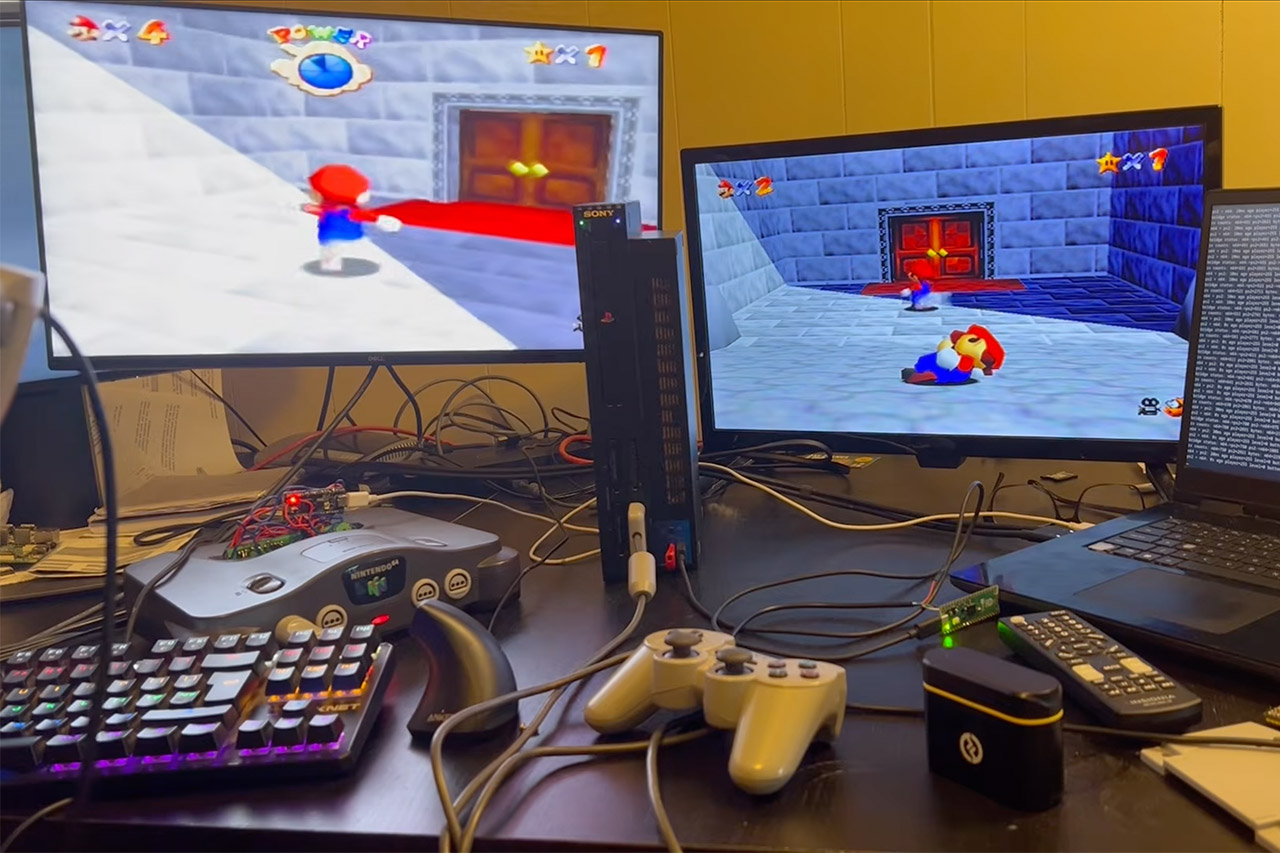
Carl Llewellyn spends his days playing with tiny computers and classic gaming cartridges. Recently, he went far beyond what most people would dare to do, connecting a Nintendo 64 and a PlayStation 2 to play Super Mario 64 on the internet simultaneously. Players take control of their own Mario and progress through stages in real time.
It all begins with hardware that never made it into the world, no matter how much some gamers wish differently. Neither console initially included built-in online play. The N64 used game cartridges, which are the most finicky way to go about it, whereas the PS2 uses discs. Carl created several custom adapters utilizing Raspberry Pi Picos, which are credit card-sized microcontroller boards that are quite cheap. To make the N64 to work, he connected a Pico directly into a customized game cartridge slot, transforming it into a mini-supercomputer. Pico is carrying a reprogrammed version of Super Mario 64, which has been updated to accommodate two players.
Sale

LEGO Super Mario Game Boy – Retro Building Sets for Adults, Ages 18+ – Gifts for Valentines Day for Him…
- BUILD AN ICON – Build the ultimate retro gaming display with the LEGO Game Boy (72046) model kit for adults ages 18 and up
- RELIVE THE EXCITEMENT – Remember powering up your Game Boy for the first time? Experience the thrill again with this authentic of the handheld…
- DISCOVER AUTHENTIC DETAILS – The instantly-recognizable Game Boy features classic button layout, contrast dial, and interchangeable Game Pak and…
On the PlayStation 2, the game runs natively. Years ago, some brave souls decompiled the original N64 code, allowing anyone to reconstruct it for whatever new platforms they may develop. Carl took the code, recompiled it in C, burned it to DVD, and then loaded it from a USB stick using the fancy Free DVD Boot tool. He also connected a second Pico, which converted the console’s serial communication into network traffic.
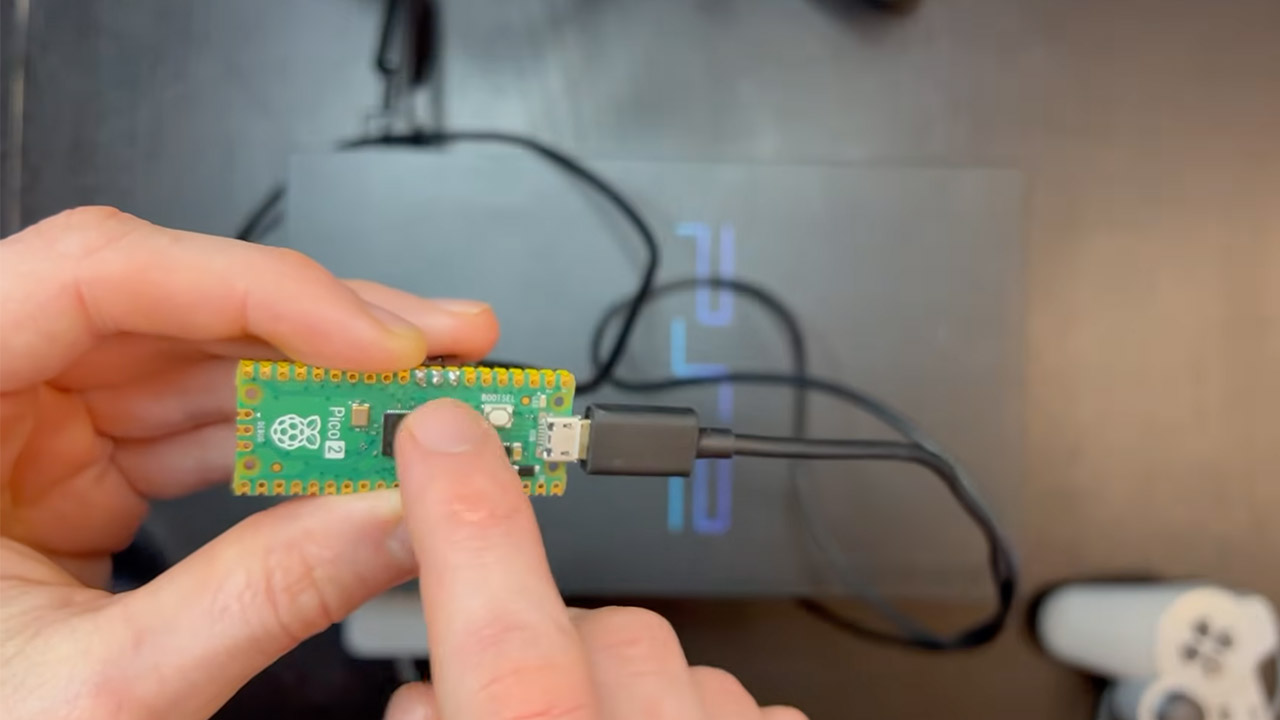
Data from each terminal must be transferred to a central server, which Carl built in Rust. Golang applications from other servers function as translators, essentially acting as a link between the distinct data packets that each terminal generates. The N64 Pico delivers data to a Raspberry Pi, which then relays it to the internet. The PS2 has things a little easier; in fact, it uses the ancient PS1 processor concealed inside every PS2 to retrieve packets without slowing down the game at all.
Inside the game, there are two separate players. The person sitting at the controller is entering joystick inputs, camera angles, and the direction Mario is facing. Data packets include only the most essential information: joystick movement, level number, and Mario’s current direction. Both consoles remain in sync by snapping positions every few frames. Because the connection between the consoles and the players isn’t perfect, there may be some drift from the varied frame rates, which is rectified on the spot.
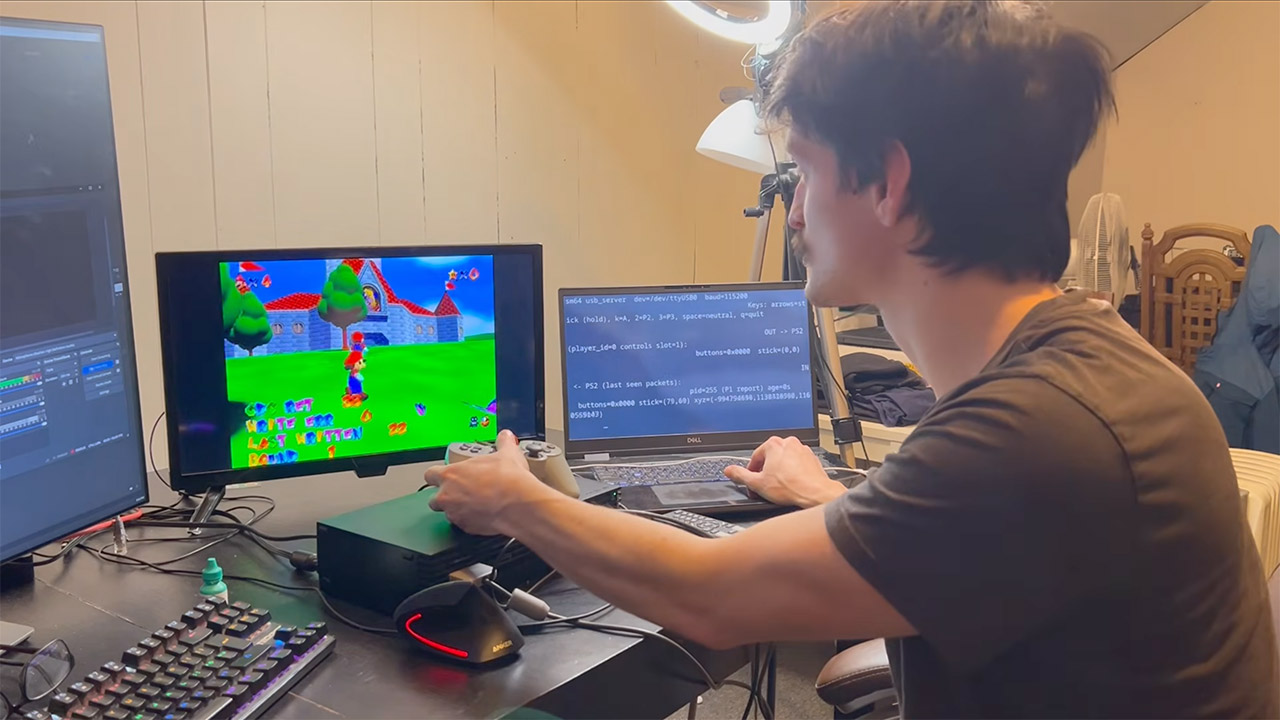
The route to making all of this work wasn’t easy or straightforward either. Marios used to move in reverse when the cameras were pointing in opposite directions. Carl solved this by combining camera data with controls, allowing each console to determine what forward is. He also had to deal with a scenario in which PS2 Mario became caught in death zones when levels did not match up properly. That was fixed when he put level information in every packet, requiring participants to stay on the same page.
Unfortunately, even when all of this is done, there are still a few things that don’t work properly. Non-player objects, such as platforms and adversaries, can still cause issues by sending Marios through floors or into walls. Carl is quite calm about it, saying it’s functional for the time being and they just need to polish it up a little. In the meanwhile, samples show two players racing through levels together. One gathers stars, and the other distracts several Goombas.
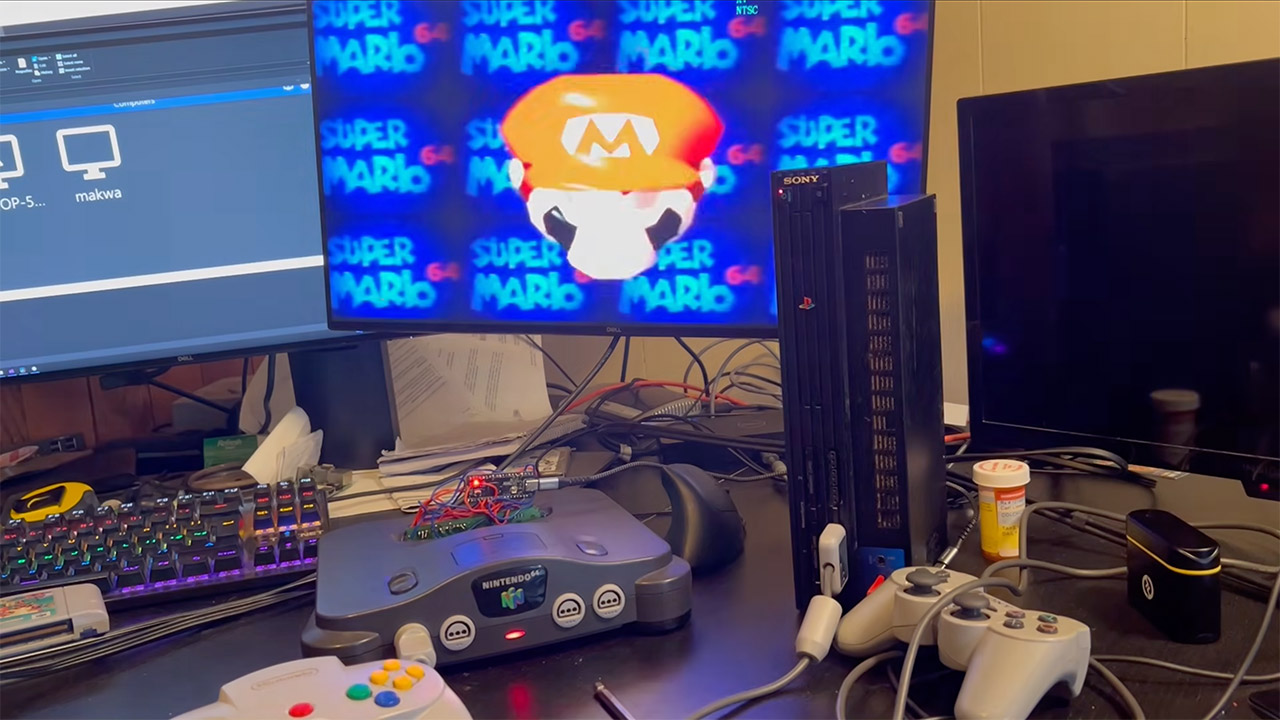
All of this is a bit of a pain in the neck to set up, but you do get to be a bit of a retro-tech wizard in the end. You have to flash the N64 Pico with custom firmware (available on Carl’s GitHub repos: PicoCart64_usb and sm64_n64x_usb), burn the PS2 disc or USB drive, install the Pico firmware for the serial to USB conversion, set up the Rust server on a machine with an internet connection, hook up the controllers, boot up the games, and then join the same server address Of course, with the PS2 DVD loader, you may need to try several times before it begins to operate.
[Source]
