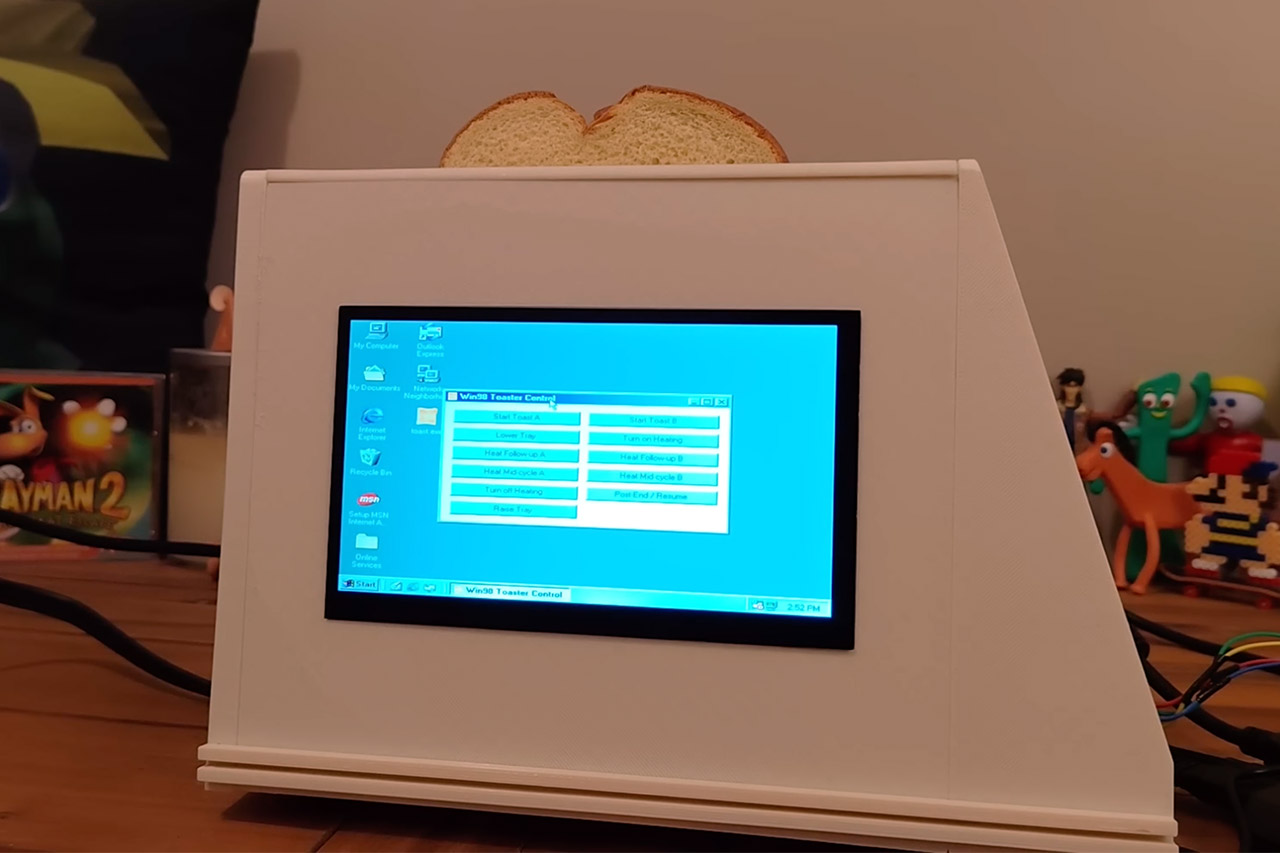
Windows 98 is not usually associated with kitchen appliances like toasters, but that all changed when the maker, named Throaty Mumbo, decided to create a Windows 98-running toaster that allows the user to make toast using the desktop.
It all began because Throaty was sick of how complex modern toasters are with all their touchscreen interfaces and other complicated options when all anyone wants to do is make toast. He wanted to create something unique, to create something that would remind people of the slow boot times and the bouncing screensavers of yesteryear, to create a toaster with the Flying Toasters screensaver of After Dark fame.
The device he opted to start his project was the Revolution Cooking High-Speed Smart Toaster. It already comes equipped with a microprocessor, heating elements, a motorized tray, and a touchscreen display, which made it an obvious choice for a makeover since it has the potential to do more than just count down from a timer.
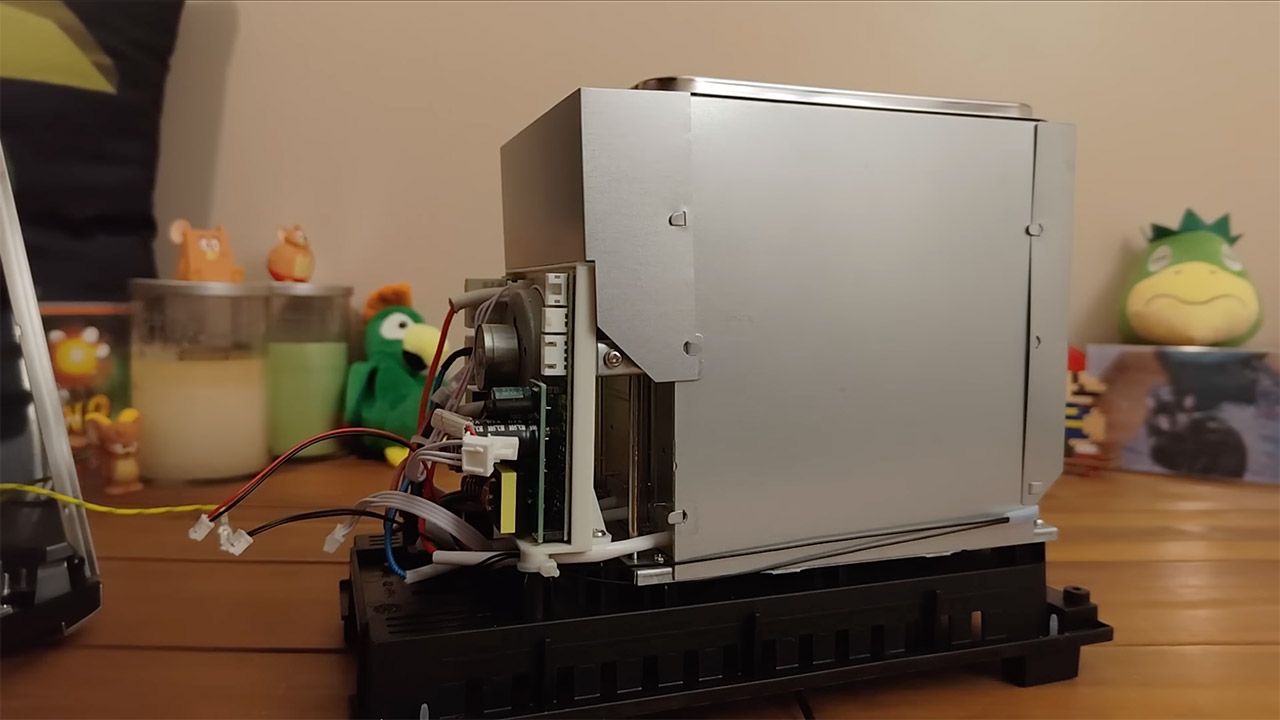
Throaty decided to disassemble the toaster to see what was inside, and he discovered circuit boards and wires that controlled the trays, heat, and status. To figure out what was going on between the touchscreen and the main board, he utilized a logic analyzer to decipher the data exchanged between the two. The touchscreen and main board appear to have just delivered repetitive hex packets only a few milliseconds apart, causing the toaster to do a variety of things, including lower the bread and change the heat.
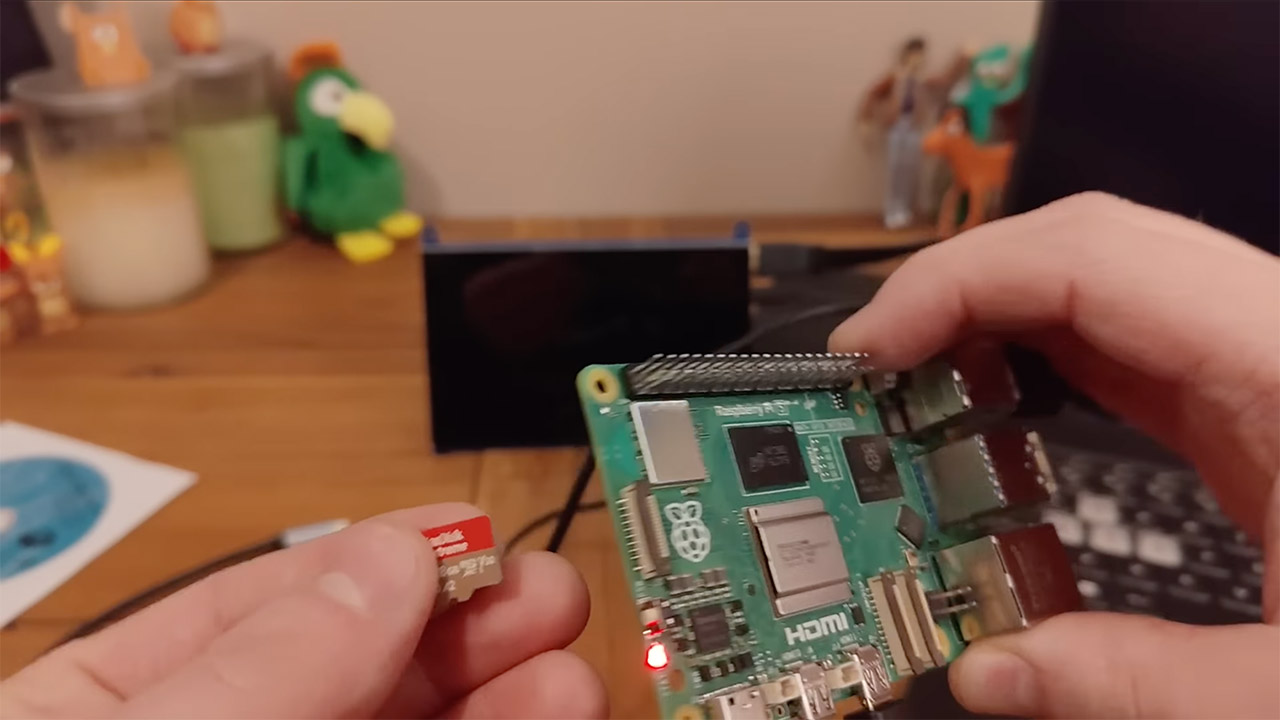
Windows 98 couldn’t be installed directly on the toaster’s microprocessor because it wasn’t powerful enough or compatible. Throaty decided to shift the computing outside the toaster by installing a Raspberry Pi 5 instance inside and running the operating system on a virtual machine using QEMU. He made it precisely like operating Windows 98 on a PC from the late 1990s. This included a Pentium II processor, 256 MB of RAM, Cirrus graphics, and Sound Blaster 16 audio. Then he installed Windows 98 SE from the ISO file and waited for it to boot up with the iconic startup sound and desktop icons.
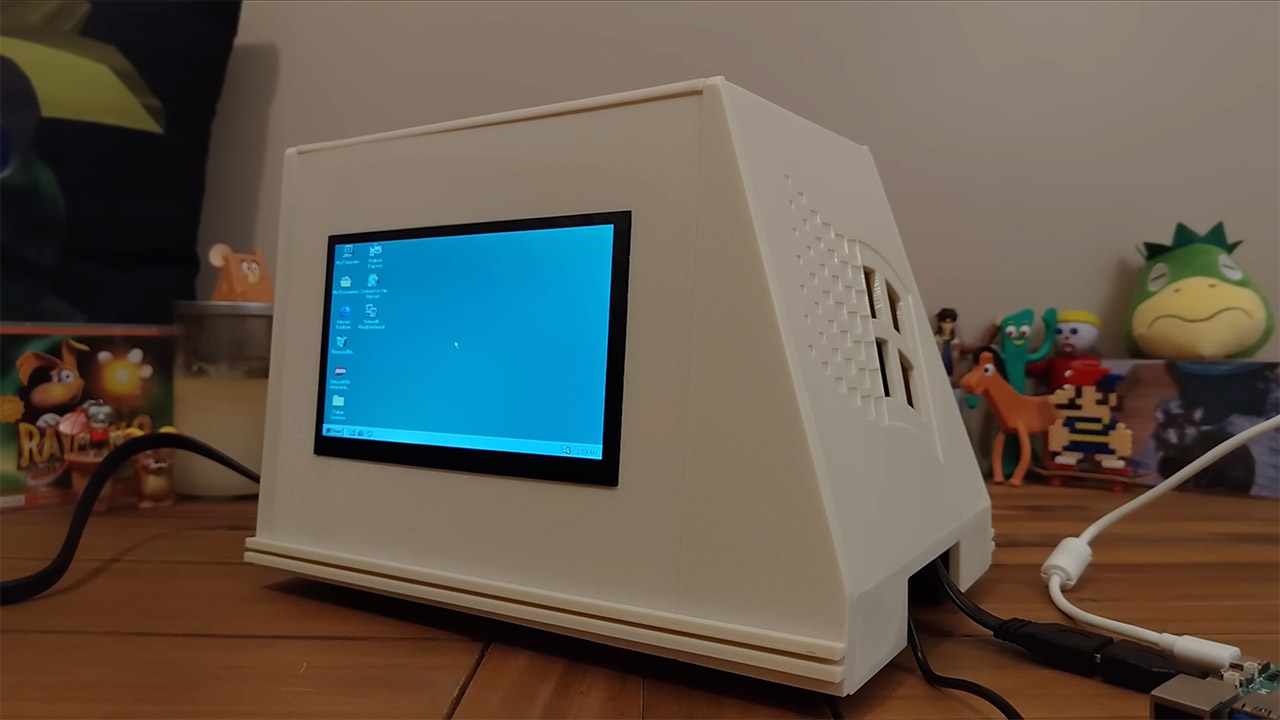
How can you operate the toaster while running the Windows 98 desktop environment? Throaty came up with a really unique concept. He connected a Raspberry Pi Pico and successfully communicated with it using level shifters. He then created a software program named “toast.exe” that operated in a Windows desktop environment, and clicking on the image transmitted a signal to a host Raspberry Pi, which interpreted it as exactly what the toaster was looking for. The Raspberry Pi would then function as a simulation screen, with buttons used to lower a tray, heat coils, and then pop it back up.
[Source]
